Quick Entry
Add expenses in seconds with our streamlined interface.
 Cazhoo
Log expenses instantly with smart categorization.
Expense tracking gives you complete visibility into your daily habits, so you can quickly identify where small costs add up and make smarter spending decisions every week.
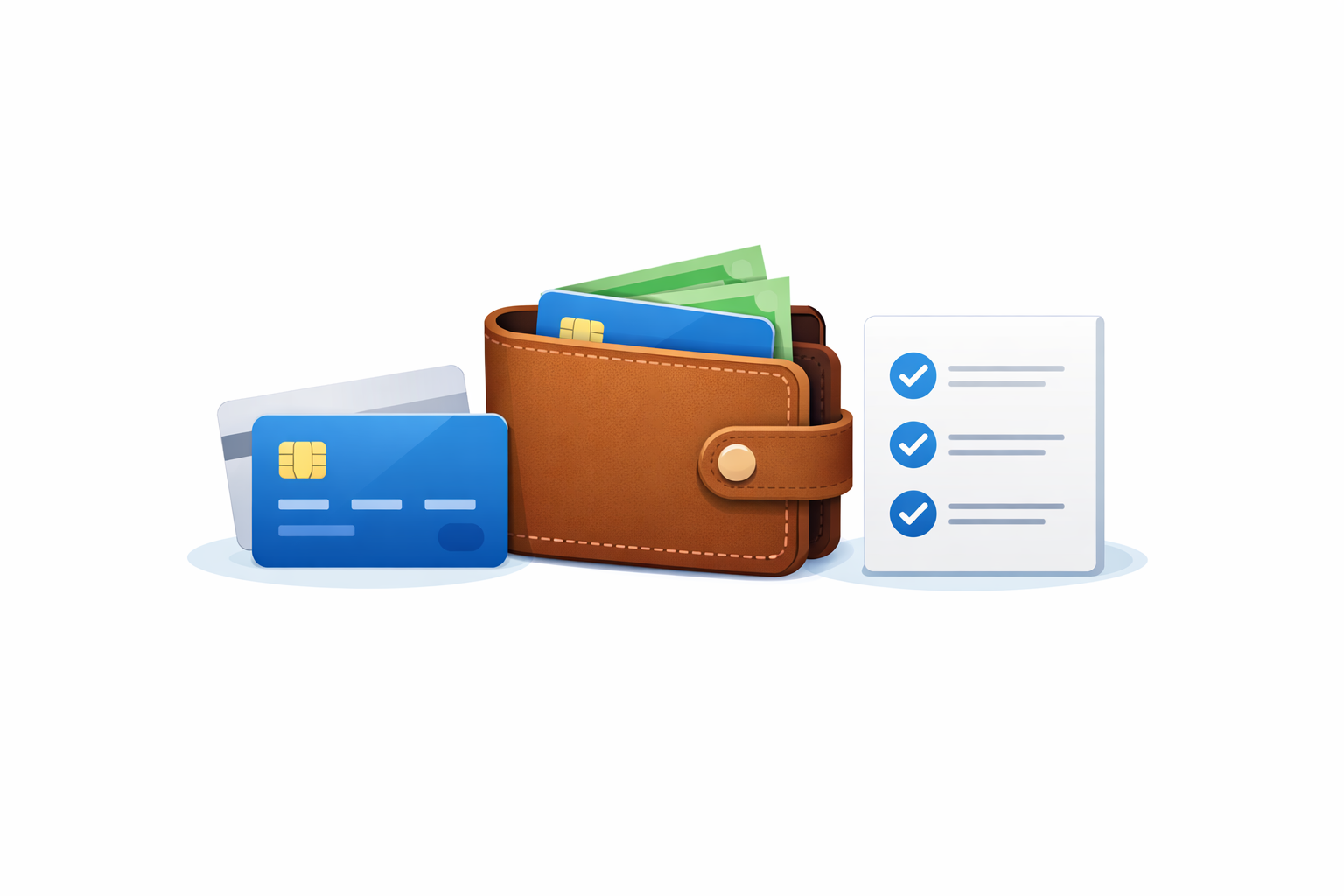
Cazhoo makes expense tracking effortless. Log your daily expenses with just a few taps, add notes for context, and attach receipt photos for your records. Our smart categorization helps you organize expenses automatically, so you spend less time tracking and more time understanding where your money goes.
Expense tracking gives you complete visibility into your daily habits, so you can quickly identify where small costs add up and make smarter spending decisions every week.
Each benefit is designed to reduce manual work, improve clarity, and help you make faster financial decisions.
Add expenses in seconds with our streamlined interface.
Automatic categorization learns from your spending habits.
Snap photos of receipts and attach them to transactions.
Add context to any transaction for future reference.
Add amount, category, and notes right after each payment to keep your records accurate.
Upload receipts, bills, or screenshots so every transaction has a clear trail.
Use category summaries to cut waste and improve budget performance.
A quick side-by-side view of what changes when this workflow is managed with Cazhoo.
| Metric | With Cazhoo | Without Cazhoo |
|---|---|---|
| Setup Time | Start using Expense Tracking in minutes with guided setup. | Manual setup across notes or spreadsheets takes longer and is easy to miss. |
| Daily Workflow | Structured flow with fewer clicks and cleaner records. | Repetitive manual updates create inconsistency and fatigue. |
| Data Visibility | Real-time visibility and clear status from one dashboard. | Fragmented tracking makes context and history hard to follow. |
| Decision Quality | Actionable insights help improve spending and planning decisions. | Limited insights make corrective action delayed or inaccurate. |
Logging coffee, commute, and grocery expenses instantly
Attaching bills for reimbursements and tax-ready records
Reviewing recurring spend patterns before month-end
Yes, you can log transactions from cash, cards, bank accounts, and UPI wallets in one timeline.
Yes, each transaction can include one or more receipt images for easy lookup later.
For the best accuracy, add transactions as they happen or at least once per day.
Start for free and use Cazhoo to simplify your everyday finance management from day one.